Welcome to Origins WoW Asia!
A free to play WotLK WoW private server for Asia/SEA. Hosted in Singapore for smooth, low ping gameplay across the region. Experience progressive content phase releases of WotLK, delivering the full classic experience.
Adventurers
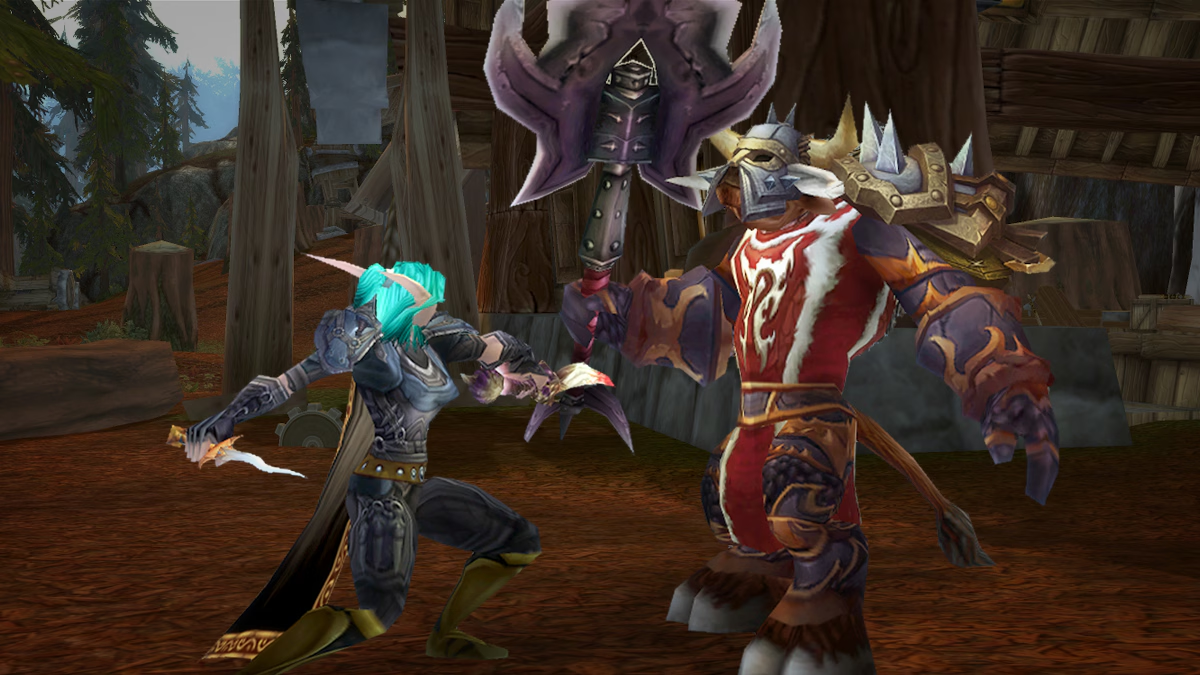
Adventurers are AI-controlled characters that behave like real players. They explore the world, level up, complete quests, chat, trade, and form their own guilds. They also participate in dungeons, raids, battlegrounds, and arenas. You can invite them to your party to help with quests and group content, making the world feel more alive and populated.
Custom Addon
You can download our custom addon for Adventurers here. This link is updated every time we add new commands so make sure to download the latest one every time.
Extract them to 3.3.5a-live\Interface\AddOns and make sure there is no subfolder inside.
Grouping
You can invite any Adventurer in Azeroth to join your party, but just like real players, they may accept or decline your invitation. You can also invite them to your guild, where they'll become loyal companions who are always happy to join your adventures.
You can view the party control commands here, or find a group through public chat here.
Trading
Adventurers constantly seek better gear through quests, loot, and trading with other players. You can help them grow stronger by trading them equipment. Invite them to your guild, take them on quests and dungeon runs, and help them prepare for the challenges awaiting in the frozen lands of Northrend.
You can view the direct trading commands here, or advertise in public chat here.
Instances
Adventurers queue for the Random Dungeon Finder, battlegrounds, and arenas on their own. You can encounter them as teammates in dungeon groups, allies on the battlefield, or opponents fighting for victory.
Raid Icons
- The skull 💀 prioritizes the marked enemy for attack, provided it is a valid target within line of sight.
- The moon 🌙 marks an enemy for crowd control. Adventurers with suitable abilities will attempt to control the target when possible.
Unknown Links
Most of the commands require you to Shift + Left-click an item, quest, spells, etc. The game client cache requires you to know these entities beforehand. So if Shift + Left-click won't link them, right-click the link first to cache it.
Party Control
Use in: Party chat or whisper.
Requires: You are the party leader and the Adventurer’s master/controller, and the Adventurer is in your party.
- .stay - hold position.
- .follow - follow you and clear their stay position.
- .attack - attack your selected enemy.
- .pull - have a tank initiate combat with your selected enemy.
- .release - ask them to release their spirit.
- .set lowmana [percentage] - sets the low mana threshold before drinking.
- .set lowmana default - restore the server’s default drinking threshold.
- .gameobjects - list nearby objects as clickable links.
- .use [object link] - interact with the linked object.
- .spread [distance] - keep the specified distance in yards between Adventurers during combat.
- .spread disable - reset spread distance to default.
- .vendor - sell all grey items in their bags if they are within interaction range of a vendor.
- .repair - repair all items if they are within interaction range of a repair vendor.
Shift + Left-click to insert an object link.
Player Control
- .add [name] - summon an eligible offline character from your account or a linked account as an Adventurer. Also works on offline guild Adventurers.
- .remove [name] - log out an Adventurer under your control.
- .link addkey - generate a sharing key for your account. Replaces any previous key.
- .link usekey [key] - link both accounts using another player's key. Both players can summon each other's eligible offline characters with .add [name].
- .link removekey - delete your unused key, remove all links in both directions, and log out active shared characters.
Only share keys with people you trust. Linking grants access to eligible characters across both accounts.
Hearthstone
Use in: Party chat or whisper.
Requires: You are the party leader and the Adventurer’s master/controller, and the Adventurer is in your party.
- .hearthstone - return the Adventurer to their saved home.
- .hearthstone cancel - cancel their Hearthstone cast.
When you set your home at an innkeeper, Adventurers under your control in your party also set that location as home.
Questing
Use in: Party chat or whisper.
Requires: You are the party leader and the Adventurer’s master/controller, and the Adventurer is in your party.
- .quests - show the Adventurer's active quests.
- .quest accept - command the Adventurer to accept nearby quests.
- .quest complete - command the Adventurer to turn in completed quests.
Adventurers in your party, including alts and linked toons, automatically accept quests you accept if they meet the level, prerequisite requirements and have space in their quest log.
Completing a quest also completes it for your Adventurers who already have that quest. You must still turn it in to the NPC so they can turn in theirs.
Shift + Left-click to insert a quest link.
Direct Trading
Use in: Whisper.
Requires: You are the party leader and the Adventurer’s master/controller, and the Adventurer is in your party.
Open a trade window to view their items for sale. Not all their items in their bags are for sale.
- .trade [item link] [quantity] - add the requested quantity of an item they have for sale to the trade window. Unavailable for alts and linked toons.
- .trade [amount] - ask them to offer the specified money. Use g (gold), s (silver), and c (copper). Example: .trade 4g55s10c or .trade 1g. Unavailable for alts and linked toons.
- .items - list everything in their bags.
- .trade water - ask a Mage Adventurer for conjured water. Free from alts and linked toons.
- .trade food - ask a Mage Adventurer for conjured food. Free from alts and linked toons.
- .portal city_name - ask a Mage Adventurer for a portal to that city.
Shift + Left-click to insert an item link.
Public Trading
Use in: General or Trade. Adventurers may respond if interested.
- WTB [item link] - find Adventurers selling this item.
- WTS [item link] - advertise your item to potential buyers.
- LF Enchanter - find available enchanters. They may whisper you.
Shift + Left-click to insert an item link.
Finding a Group
Use in: General or LookingForGroup.
- LFG [quest link] - look for a group to do this quest.
- LFM [quest link] - recruit more members for this quest.
Shift + Left-click to insert a quest link.
Ambient Chat
- .ambient off - turn off Adventurer ambient chatter. Whispers will still proceed.
- .ambient on - turn on Adventurer ambient chatter.
Lockpicking
Requires: You are the party leader and the Adventurer’s master/controller, and the Adventurer is in your party.
Rogue Adventurers can unlock your lockboxes if they have enough Lockpicking skill.
- Open a trade with the Rogue Adventurer.
- Put the lockbox in the Will not be traded slot at the bottom.
- Wait for the Rogue to offer Pick Lock, then accept the trade.
Enchanting
Use in: Whisper.
Requires: You are the party leader and the Adventurer’s master/controller, and the Adventurer is in your party.
Adventurers with Enchanting can enchant equipment through trading.
- Whisper .enchanting to see their known enchants and required materials.
- Make sure they have the required materials by whispering .items to check their inventory items.
- If they don't have the required materials, you can trade it to them first.
- Once they have the required materials, open a trade again and put your equipment in the Will not be traded slot.
- Whisper .enchant [spell link] to request the enchant.
- Check the enchant in the trade window, then accept the trade.
Shift + Left-click to insert a spell link.